Installing rtl8812au driver in linux
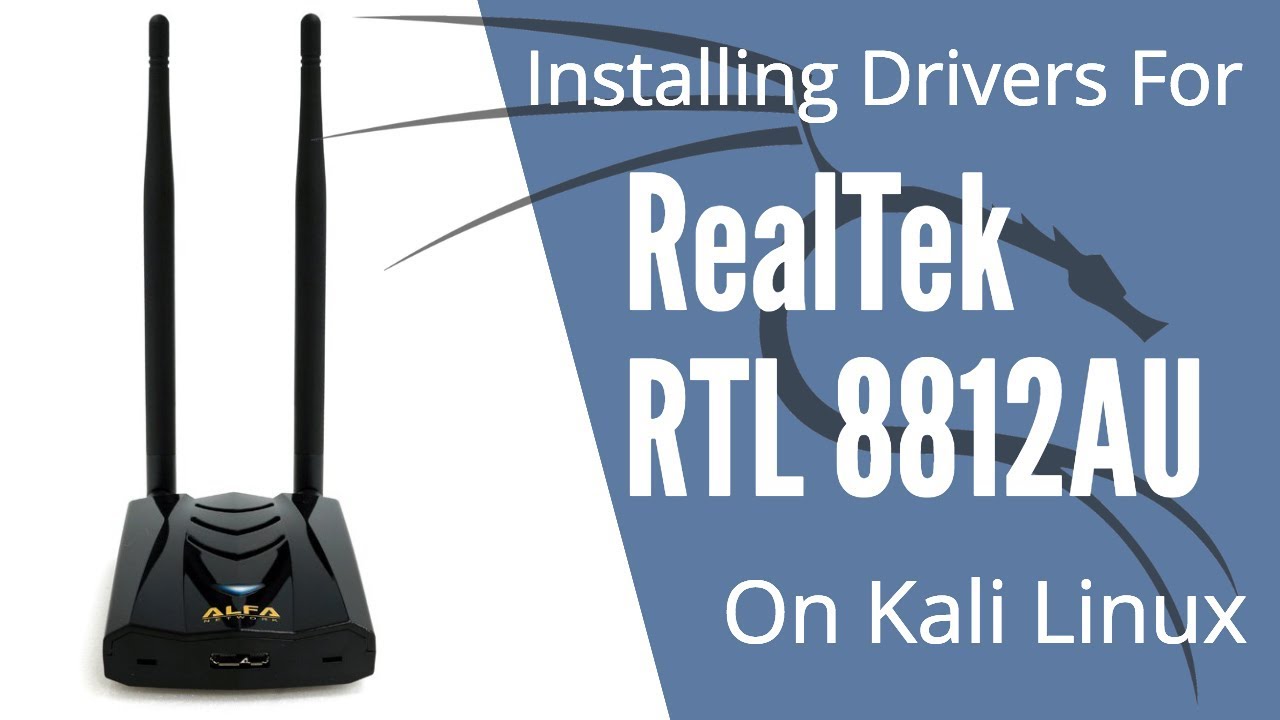
The RTL8812AU driver is available in github.
so before that you need to execute the following commands:-
# sudo apt-get update
# sudo apt-get install dkms
After installing dkms,
Now we will cone the repository using git clone using the terminal
# git clone https://github.com/aircrack-ng/rtl8812au.git
Now after you have cloned, go to rtl8812au folder by
# cd rtl8812au
# ls
For installarion of the driver use the following command:-
# sudo make dkms_install

It will start installing now
If package and dependencies are missing then,
Package / Build dependencies (Kali)
        # sudo apt-get update
        # sudo apt-get install build-essential libelf-dev linux-headers-`uname -r`
If there is any problem say in comments I will help you
If there is any problem say in comments I will help you 


Great!!
ReplyDelete